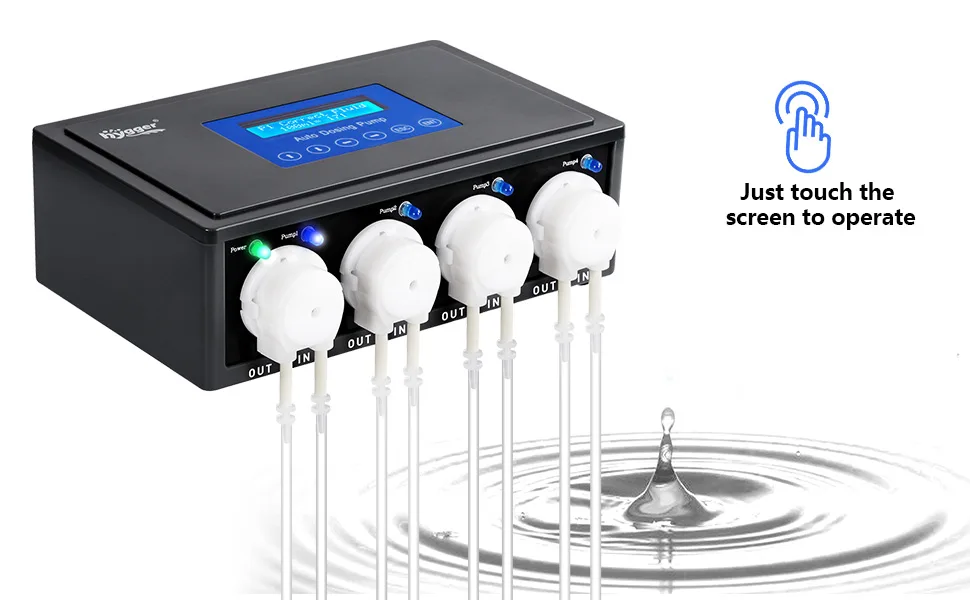

hygger Aquarium Dosing Pump

  • 4 Channel dosing pump
  • Programmable 24 times per day
  • Easy to use controller
  • Allows user to keep their tank parameters stable
SKU: HG932 Categories: ,

Description

Hygger aquarium water pump controller with touch screen, 4 channels, and water flow indicators for aquarium maintenance
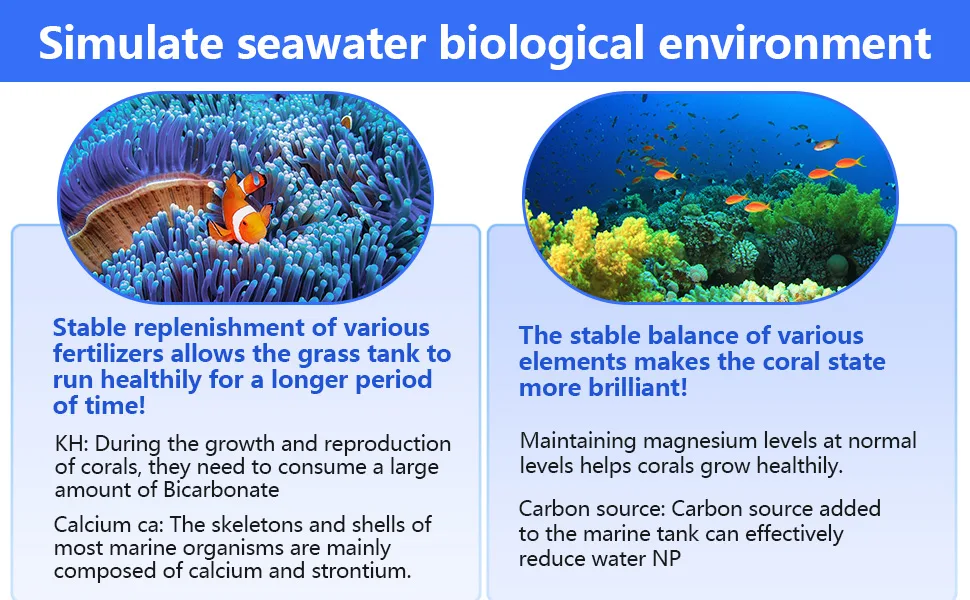
Simulate seawater biological environment with stable fertilizer replenishment and element balance for healthy coral growth in
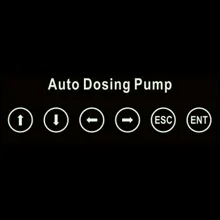
Auto Dosing Pump control panel with icons for up, down, left, right, ESC, and ENT buttons on a black background

Just touch to operate

•Shift Up&Plus
•Shift Down/Minus
•Shift Left
•Shift Right
• Return
• Menu&Confirm

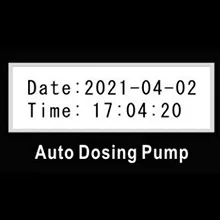
Auto Dosing Pump display showing date 2021-04-02 and time 17:04:20

Setting Date and Time

When you connect DC power, in order to enter the main interface, you will first need to set the local time

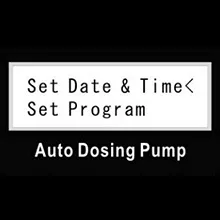
Auto Dosing Pump interface showing 'Set Date & Time' and 'Set Program' options for aquarium automation

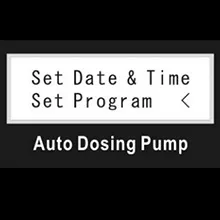
Press ENT to enter Setup Menu

Set Date & Time by touch ” ↑” ” ↓ ” , when ” < ” point to ” set Date& Time ” , press ENT confirm to enter settings

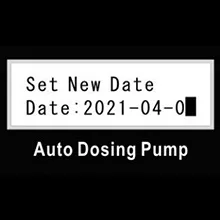
Auto Dosing Pump display showing 'Set New Date' with date 2021-04-0 and a black square placeholder for the day.

Press “→ “(shift right) OR ” ← “(shift left) to set the year, month and day.
Press “↑ “(+) OR ” ↓ “(-) to adjust the number.
Press ” ENT” to save the DATE and shift the clock setting window

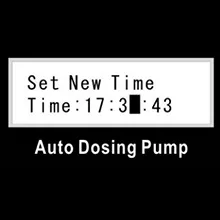
Auto Dosing Pump interface showing 'Set New Time' with time set to 17:3:43

Press “→ “(shift right) OR ” ← “(shift left) to set the clock, minutes, seconds
Press “↑ “(+) OR ” ↓ “(-) to adjust the number.
Press ” ENT ” to save and return back to main interface.

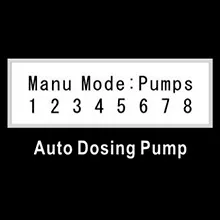
Control panel for aquarium pumps showing manual mode with pump numbers 1-8 and auto dosing pump label

Adjust pump , Input liquid

– On the main interface , press the “→ “OR ” ← ” then press and hold the “ENT” to turn on the manual mode.
Check that the pump is functioning properly using manual mode before using calibration mode.

Auto Dosing Pump with 8 pump options labeled 1-8 for aquarium maintenance

Flow rate calibration

– On the main interface , press the “↑ ” OR ” ↓ ” to enter the Flow calibration mode.
-Press “→ “(shift right) OR ” ← “(shift left) to select 1/2/3/4
– Press”ENT”to Confirm.

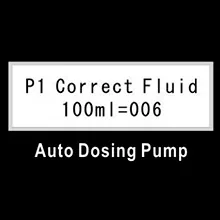
Auto Dosing Pump P1 Correct Fluid 100ml=006 for aquarium maintenance

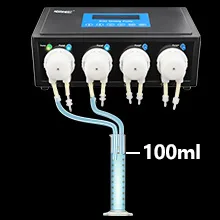
Calibration : Find a measuring cylinder ( larger than 100m )

Put the pumpoutlet hose into cylinder , and put the inlet hose into liquid Press “↑ ” to start .
The number adds from 0 ,view the cylinder liquid . When number shows 100ML , press “↑ ” to stop . Save this numerical value .
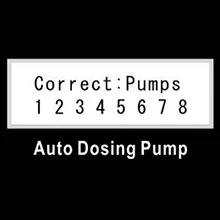
Press “ENT ” to save and back to the ” Correct Pumps ” page .

Auto Dosing Pump interface showing 'Set Date & Time' and 'Set Program' options for aquarium automation

Auto-control setting

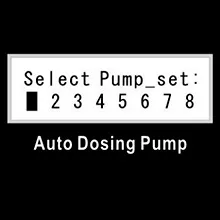
– On the main interface , Press ” ENT to enter setting menu . Press “↑ ” or” ↓ ” button , select the ” Set Program ” when ” < ” point to ” set programpress ” ENT to Single pump setup (Select Pump _ set:)

Select Pump_set: 1-8 options with Auto Dosing Pump display for aquarium equipment control

Pump choose : press ” ” ” – ” to select the pump , one dosing pump ,choose 1 , 2 , 3 , 4 pump Connecting a sub-machine , choose 5,6,7,8 pumpChoose the setting pump , press ” ENT ” to set the dosing times

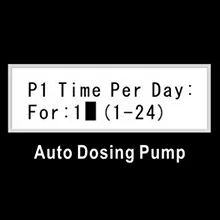
Auto Dosing Pump P1 Time Per Day setting for 1-24 hours on Hygger Aquarium system

Dosing times : According your request to set the dosing times . Choose1-24 times per day , Press ” t to plus or minus Press ” ENT toenter the day time setting face

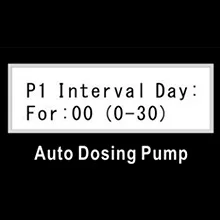
Auto Dosing Pump P1 Interval Day: For :00 (0-30) settings

Interval Day : You can choose 0-30 days as an interval time . 0 means noInterval and the pump will dosing everyday . Imeans interval one day andthe pump will dosing the day after tomorrow . Biggest is 30 days . Press ” tI ” to plus or minus the days . Press ” ENT ” to enter the interface settingthe first dosing volume

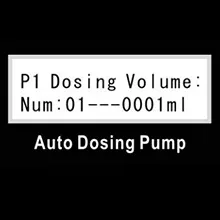
Auto Dosing Pump display showing P1 Dosing Volume: Num:01---0001ml

– Dosing Volume : The dosing volume of per time . Press ” + ” ” – ” to setthe volume , press ” t ” ” I ” to plus or minus , Max . 9999ml Press ” ENTto enter the first dosing time setting . Fig . ” 1 ” means lst time .

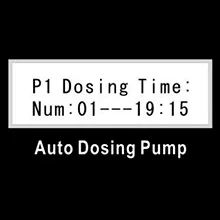
Auto Dosing Pump display showing P1 Dosing Time: Num: 01--19:15 for aquarium maintenance

– Dosing time : Set the pump work time as per request , let the pump work atfixed time Shift ” – ” to choose the hour minute . Press ” t ” “to plus or minus . Press ” ENT ” to enter the next dosing volume settingSet each time s volume and time one by one Press ” ENT ” back to thechoose face , choose other pump setting . Press ” ESC ” to back the pumpchoices . When finished with all pumps , press ” ESC ” back to the maininterface

Hygger aquarium water pump system with four pumps and 100ml flow rate display

For the accuracy of calibration, fill the tube before calibration and remove as many air bubbles as possible (the connection between the tube and the pump is most likely to have air bubbles)

Blue 'Tips' text on black background for Hygger Aquarium website navigation

The titration pump must be calibrated before use.
The water quality should be tested at least every 2 weeks when using a titration pump.
The outlet for titrating KH should be regularly cleaned of crystallization.
Do not place the titration pump in a damp environment
Please keep the machine on a horizontal plane during use . This will increase precision.

Model HG932
Dosing volume 0-9999
Power output DC12V 1A
Qmax 55ml/Min
Dimensions 8.26*5.1*2.75" (21*13*7cm)
Channel quantity 4 channel control independently
Dosing times 24/day
Hmax 4.9ft (1.5m)
Precision ±10%
Interval day 0-30
Working temp 32-104°F